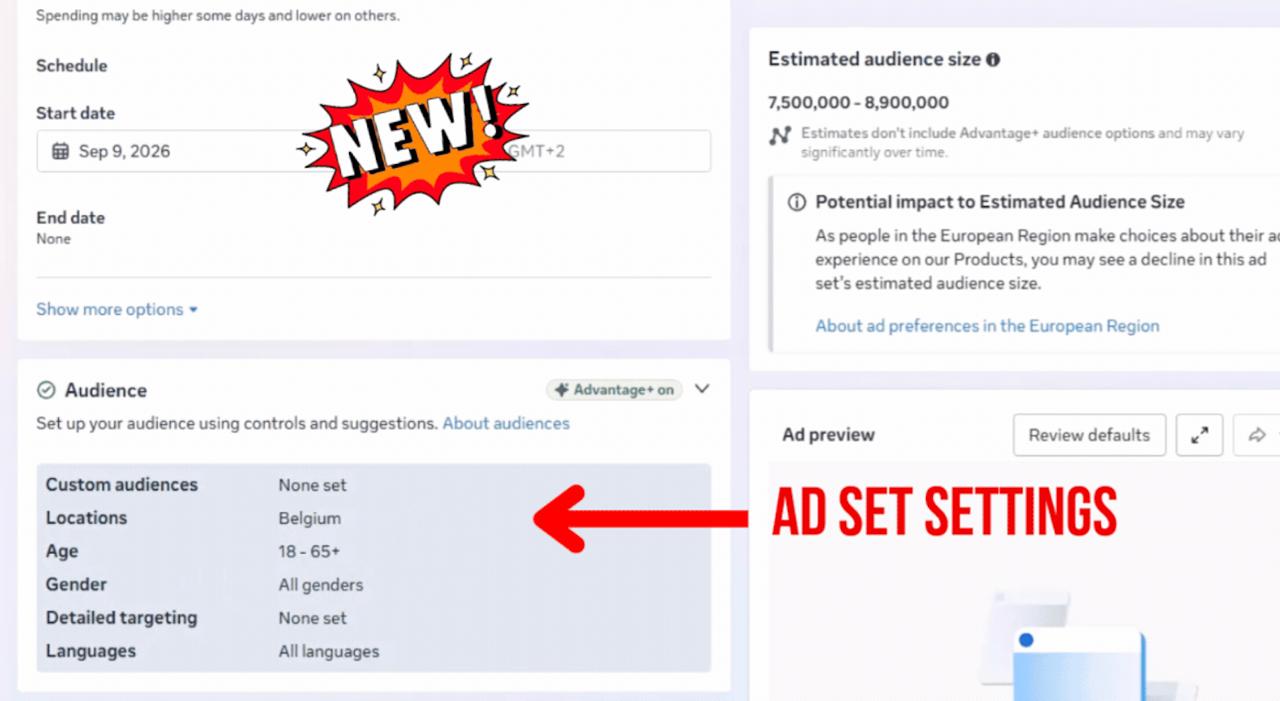
Until now, creating a campaign in Ads Manager meant working through separate screens for the campaign, the ad set and the ad. Meta is now bringing all of this together into one scrolling page.
Campaign settings sit at the top. As you scroll down, you move into the ad set settings, and further down again you create the ad itself, all without leaving the page.
The basic settings are shown by default, and you can expand each section to edit it. The advanced options are still there, they’ve simply been tucked behind the Show more options button.
This looks like an attempt to make things easier for beginners who used to get lost between screens. For anyone used to moving quickly through the defaults, though, there’s a higher risk of missing something, because everything is now stretched into one long scroll instead of being split into clear steps. It’s worth taking your time with the first few campaigns you build this way and opening every Show more options section before you publish.
The new layout is rolling out gradually, so some accounts have it already and others don’t yet.