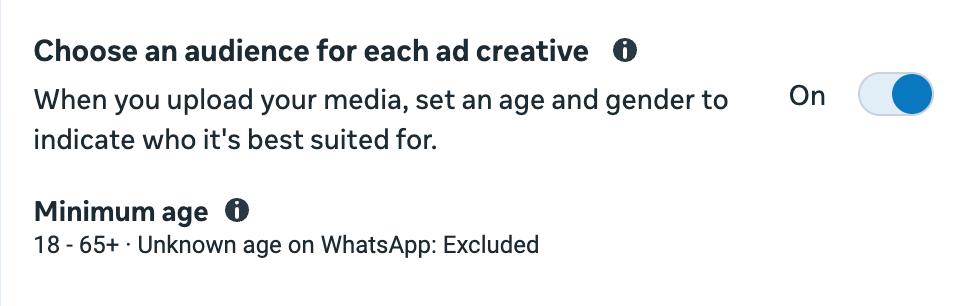
Meta is rolling out a new option called Choose an audience for each ad creative. It lets you set the age and gender that each piece of media in your ad is best suited for.
There are no restrictions by campaign objective, and it works in both the new flexible format and single media ads.
How to switch it on
- In your ad set, open the Audience section.
- Click Further limit the reach of your ads.
- Turn on Choose an audience for each ad creative.
In Sales campaigns, this setting is switched on by default. For every other objective, you’ll need to turn it on manually.
Where to set the age and gender
Flexible format. Upload at least one image or video, click Edit or Customise media, and fill in the Audience for this media section. You can set a different audience for each file within the same ad.
Single media. There’s no customise media button, but a separate Audience section appears below the placement groups.
What to keep in mind
This isn’t a strict limit. Meta directs each creative towards the audience you’ve chosen, but it can still show it to other people who are likely to respond.
While this option is switched on, minimum age and gender are no longer available as regular audience controls.
Examples from Meta
A financial services brand could show a video about retirement planning to people aged 50 to 65, while a video about savings accounts goes to all age groups. A clothing shop could show women’s jumpers to women and men’s jumpers to men.
This sits somewhere between fully algorithmic targeting and fixed audience limits, working in a similar way to value rules. The biggest benefit is that you no longer need to create separate ad sets for different age groups.