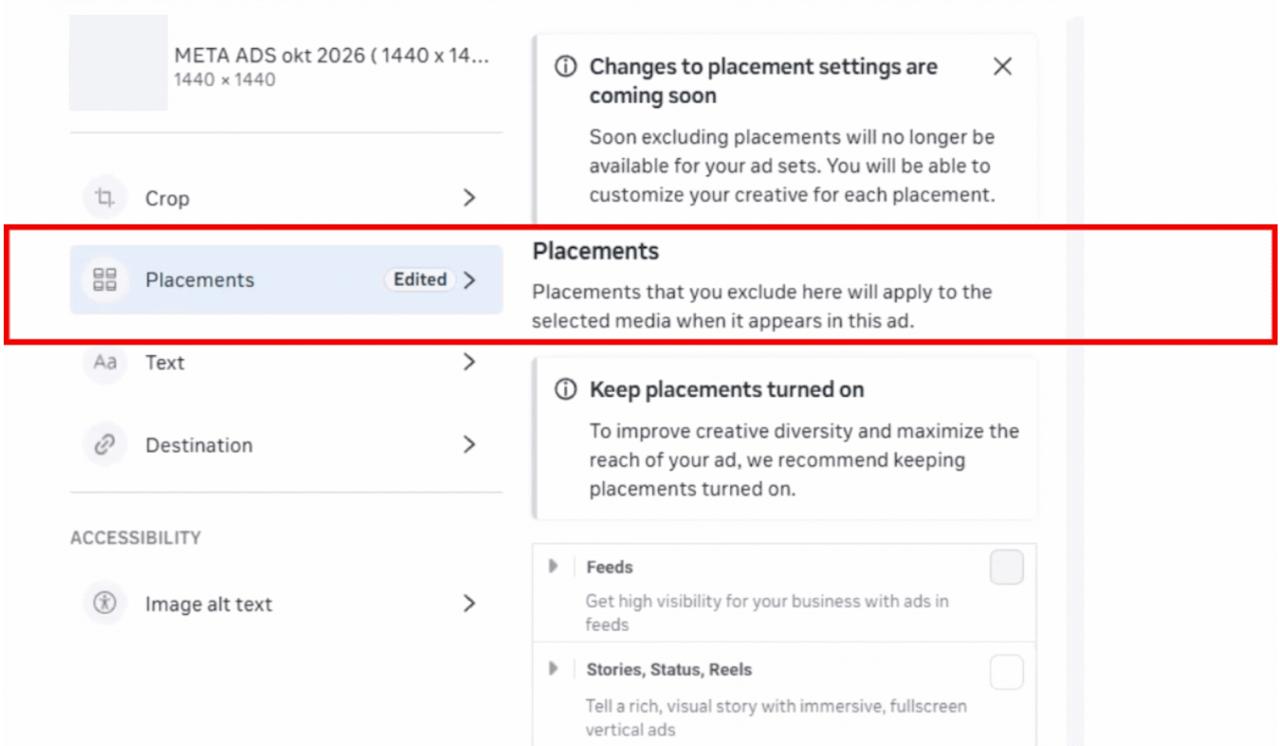
Meta is now showing a warning in Ads Manager that you’ll soon no longer be able to exclude specific placements in your ad set settings. Instead, you’ll be able to customise your creative for each placement at ad level.
The change will apply to all objectives that optimise for results, which are Engagement, Leads, App Promotion and Sales.
What you’ll still be able to do
Placement value rules. You can influence delivery by increasing or decreasing your bid for individual placements. Bids can only be reduced by a maximum of 90%, though, so you can’t switch a placement off completely this way.
Account controls. You can still exclude placements at account level, but the list is limited for now to these placements:
- Audience Network
- Facebook Marketplace
- Facebook right column
Creative customisation per placement
The main new feature is the option to customise your creatives for each placement at ad level. After uploading your media, you choose where each file will be shown. This means you can still exclude a placement for a specific file, but your set of uploaded media will need to cover all placements between them.