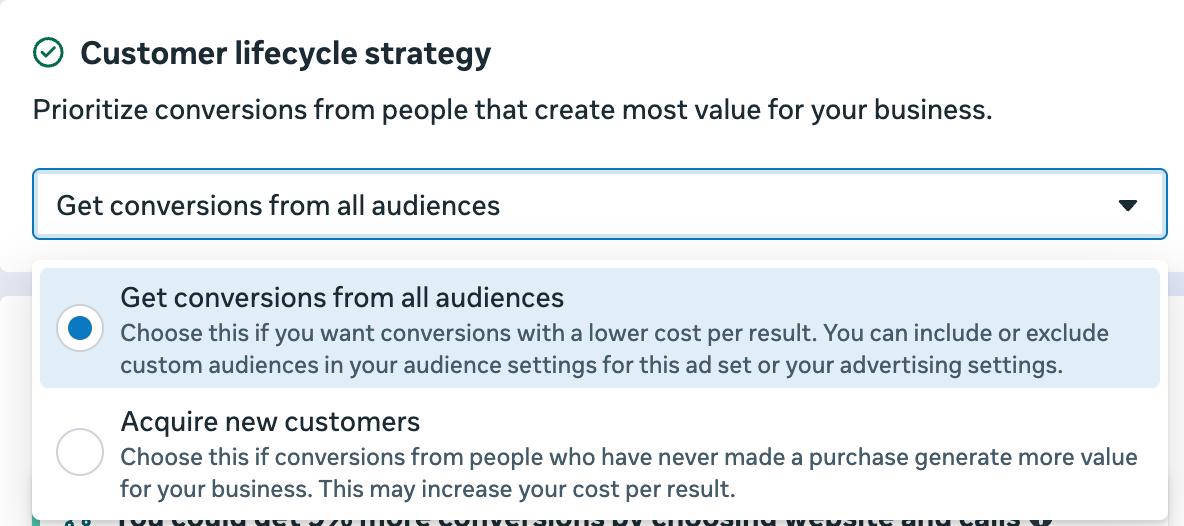
If you choose Acquire new customers in Customer lifecycle strategy at ad set level, a new line now appears under the section for excluding existing customers: Automatically created: Customers from your conversion data (730 days). Meta now excludes buyers based on the purchase event in your ad account’s conversion data, instead of relying on your custom audiences.
Jon Loomer has broken down this update. The default retention period is 730 days, but you can also choose 180, 90, 60 or 30 days. The exclusion counts conversions from across your whole ad account, not just the ad set you’re editing.
You can’t switch automatic exclusions off
This creates 2 limitations.
Excluding customers of one specific product. The automatic exclusion removes all your buyers, not just the ones you want to exclude. The workaround is to choose Get conversions from all audiences and exclude customers manually in the Legal and operational custom audience exclusions section.
Using a different retention period. You can only choose from 5 options, which are 4 periods of up to 6 months plus 2 years. Excluding buyers from the last 12 months, for example, isn’t possible.
Offline sales
If some of your sales happen offline and you don’t send a purchase event for every customer, the automatic exclusion won’t be enough. Add a custom audience based on your customer list as well.
How well this works depends on how complete your data is. If some buyers aren’t being excluded, check the events you’re sending to Meta.